What a chat list does not tell you
A chat shows the conversation, but it may not show who owns the opportunity, which sales stage it belongs to or when the next follow-up should happen. When several inquiries arrive together, that extra context becomes harder to track by memory.
Keep WhatsApp for the conversation and use KroLead for the sales process around it. The goal is a consistent record you can act on when you return to the lead.
A practical WhatsApp follow-up workflow
- Create or find the lead. Keep the contact associated with the right opportunity.
- Review your notes. Check what the customer asked for before replying.
- Prepare the message. Use a relevant template and adjust the details to the customer.
- Record the outcome. Add a short note, update the pipeline and schedule the next follow-up.
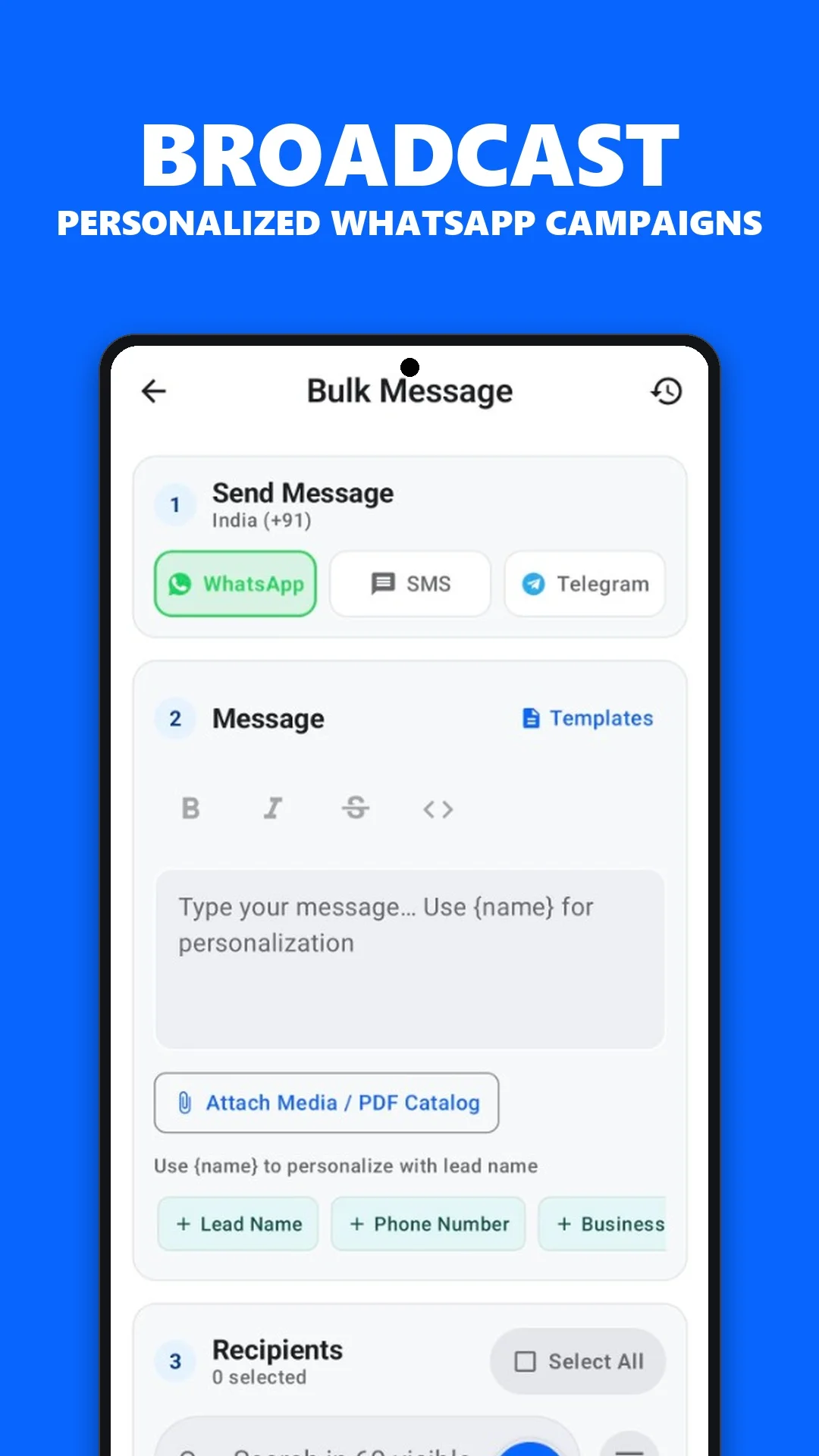
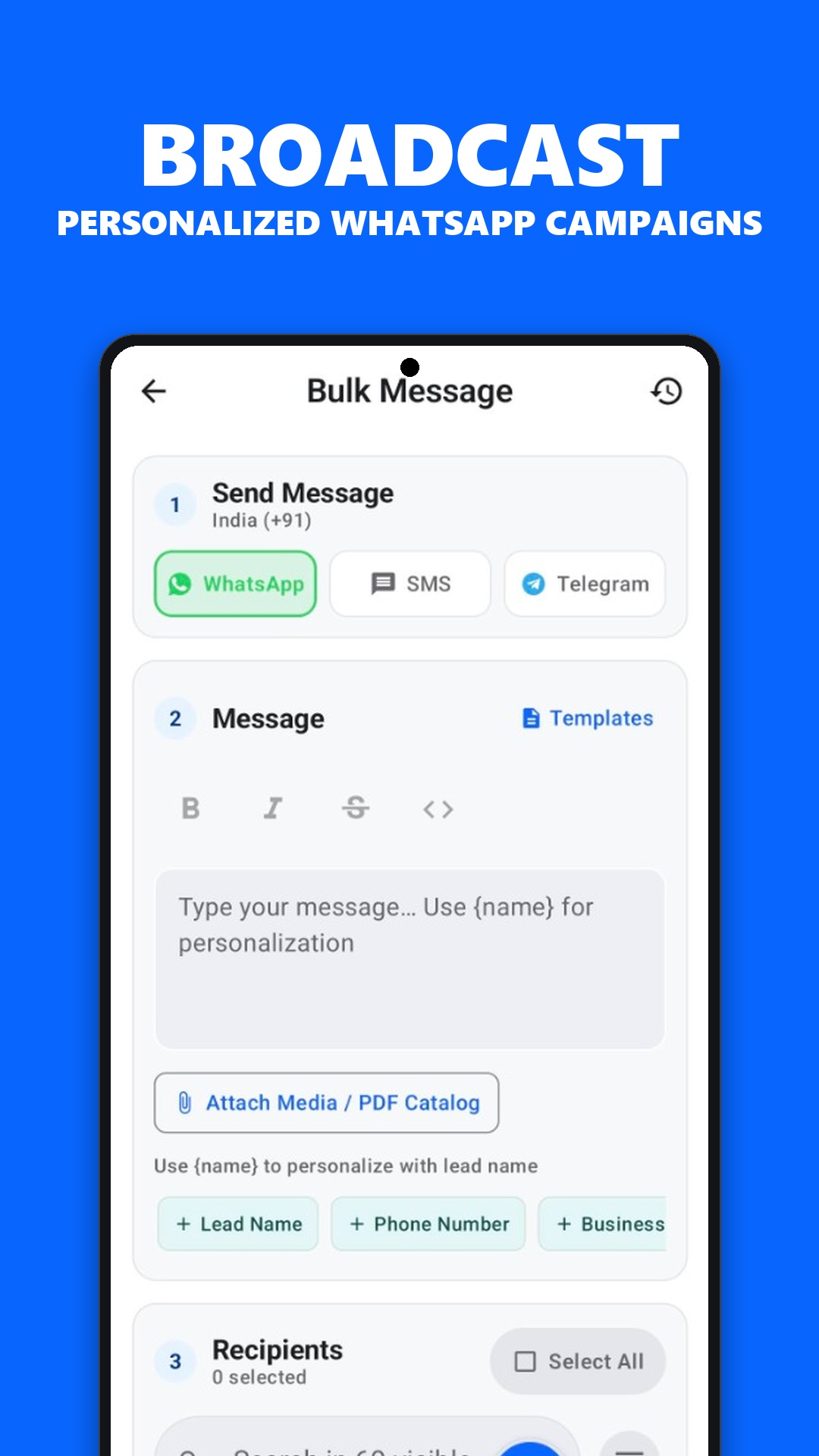
KroLead supports WhatsApp outreach and personalized templates. Review messages before sending so names, offers and next steps are accurate.
Use templates without losing the conversation
Templates help with repeated tasks such as acknowledging an inquiry, sharing the next step or following up after a discussion. Keep each message specific to what the customer asked for and easy to answer.
For example: “Hi [name], following up on the option we discussed. Would you like me to send the details?” Adapt the wording to your own business, and contact people who expect to hear from you.
A scheduled CRM reminder is a prompt for your team. It is not a promise that WhatsApp messages will be sent automatically. Confirm any automation requirements with support.
Keep the channel and CRM roles clear
This workflow uses the WhatsApp app and requires connectivity for messaging. It does not imply that every chat is imported into KroLead or that your plan includes the WhatsApp Business Platform API.
Ask support to demonstrate the exact messaging workflow you need before onboarding a team. For timing and reminders, see the follow-up management app guide. For the wider calling workflow, see call-based CRM.
Common questions
Is KroLead a replacement for WhatsApp?
No. KroLead organizes the lead record and follow-up workflow. WhatsApp remains the messaging app used for outreach.
Does setting a reminder automatically send a WhatsApp message?
A CRM follow-up reminder helps you remember the next action. Do not assume automatic message delivery; confirm the available messaging workflow with KroLead support.