Before the customer visit
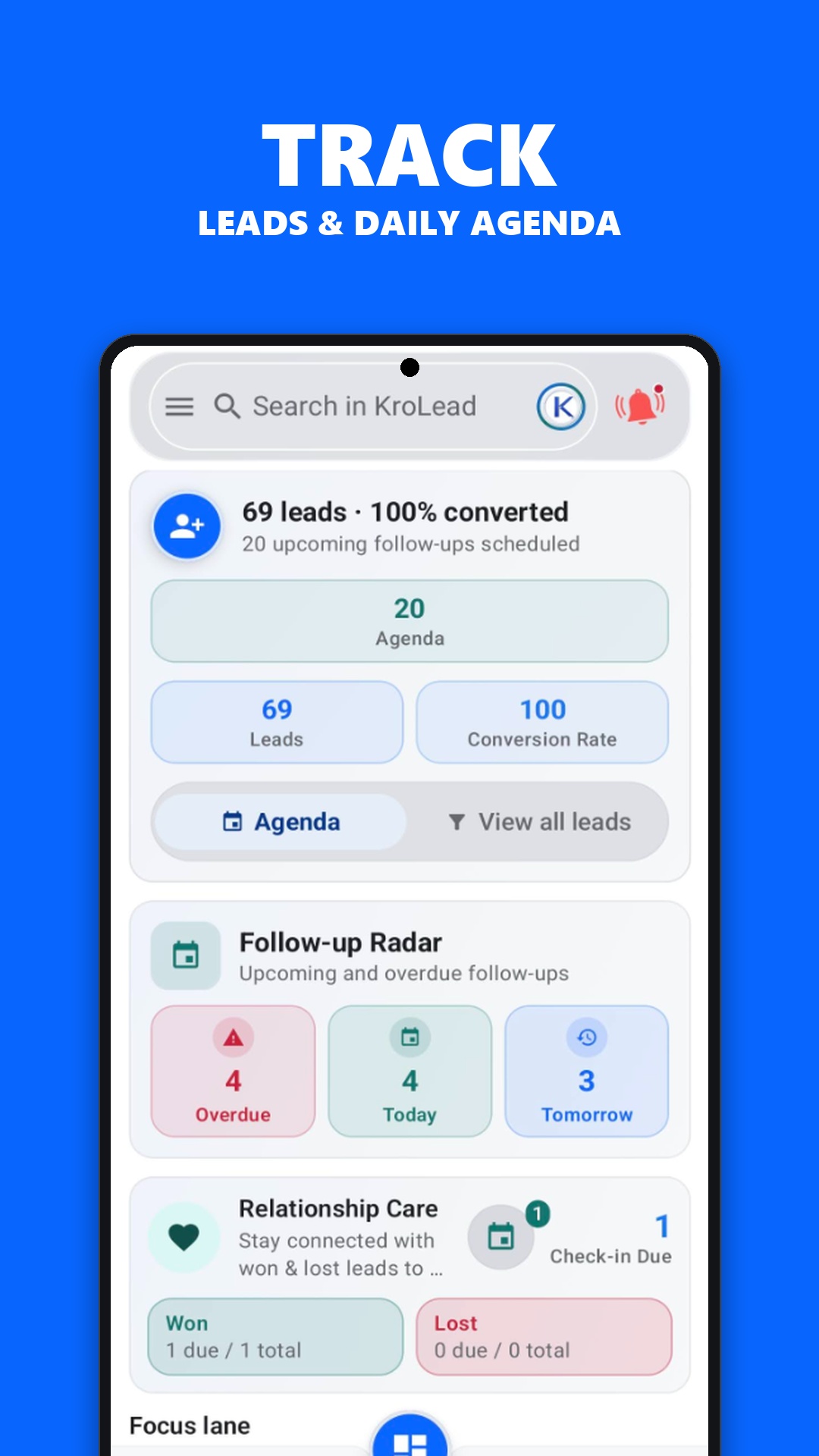
Review the saved lead record before starting your next conversation. Read the previous notes, check the pipeline stage and identify the question you need to resolve. That preparation is useful for property inquiries, local sales visits and repeat customer conversations.
Set up your workspace and allow records to sync while connected. Offline access is most useful when the information you need is already on your phone.
After the conversation
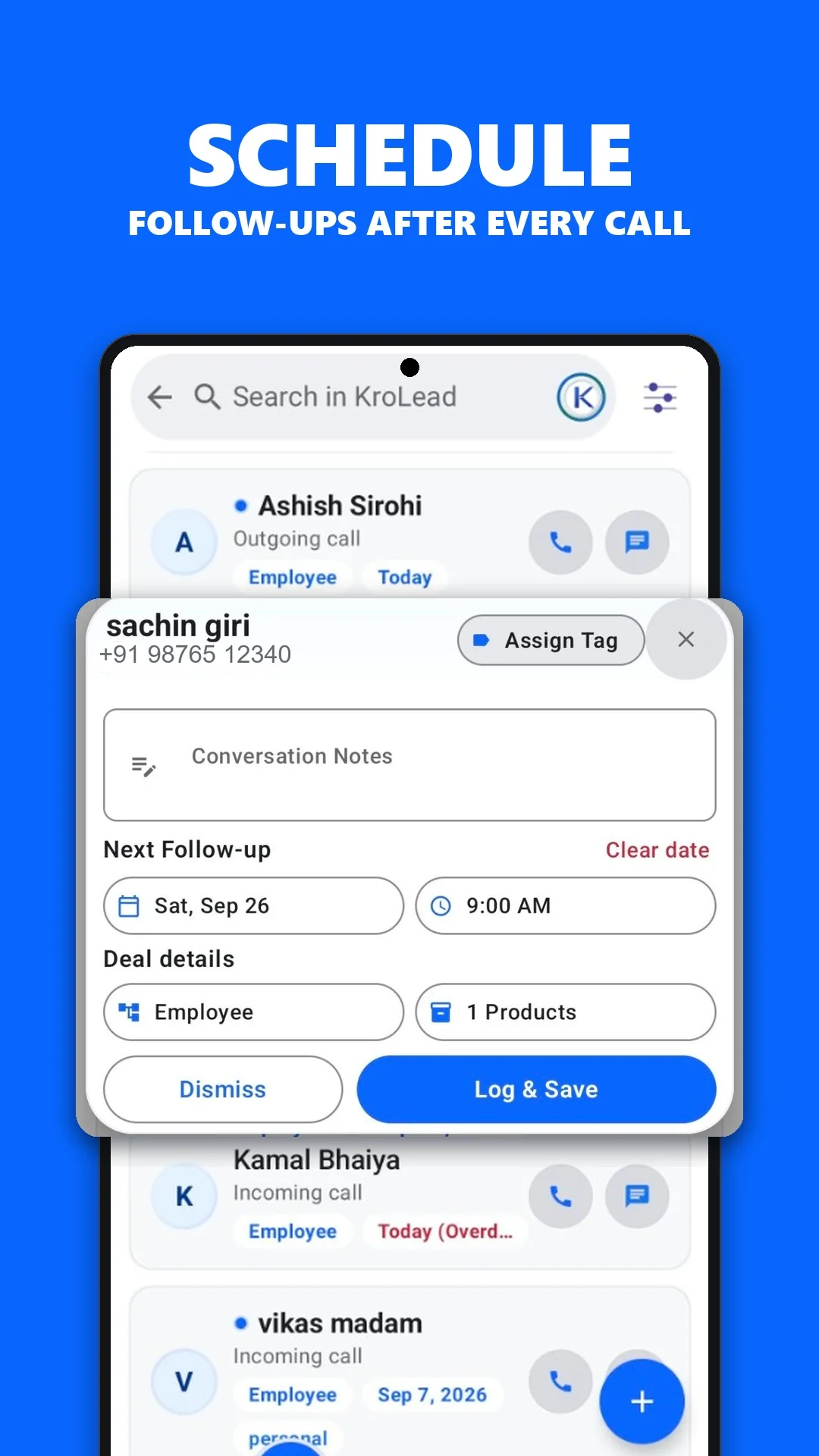
Capture the outcome while it is fresh. A short note can cover what the customer needs, what is still undecided and what you agreed to do next. Update the pipeline stage when the opportunity changes.
- Write the key outcome in the lead record.
- Schedule a follow-up with a realistic next action.
- Keep the lead assigned to the right team member.
- Reconnect so changes can sync across devices.
This routine gives the next person handling the inquiry a clearer starting point.
Working where mobile data is unreliable
An offline CRM helps when connectivity drops between visits. KroLead supports local lead records, notes, stages and follow-ups. Cloud sync resumes when connectivity is available.
Offline access does not make every phone activity available without a connection. New cloud AI generations need internet. WhatsApp needs its own app and connectivity, and phone calls depend on carrier coverage. Read the offline Android CRM guide before planning a disconnected workday.
A shared process for a mobile sales team
Agree on a small set of pipeline stages and what each stage means. Ask everyone to record the last outcome and next action consistently. Owners and employees can then work from a shared process rather than separate personal notebooks.
During managed onboarding, confirm role access, lead assignment and the workflow your team wants to use. If your business needs a specialized capability such as route optimization or attendance reporting, confirm availability with support before choosing a plan.
Property teams can also explore the real estate CRM guide. Teams whose day centres on calls can review telecalling CRM.
Common questions
Can field sales staff update leads offline?
KroLead supports local lead records, notes, pipeline stages and follow-ups offline. Set up and sync the workspace first; cloud updates need connectivity.
Can a manager and employees use the same organization?
KroLead supports organization-based owner and employee workflows. Confirm team access and assignment requirements during managed onboarding.