What is an Android CRM app?
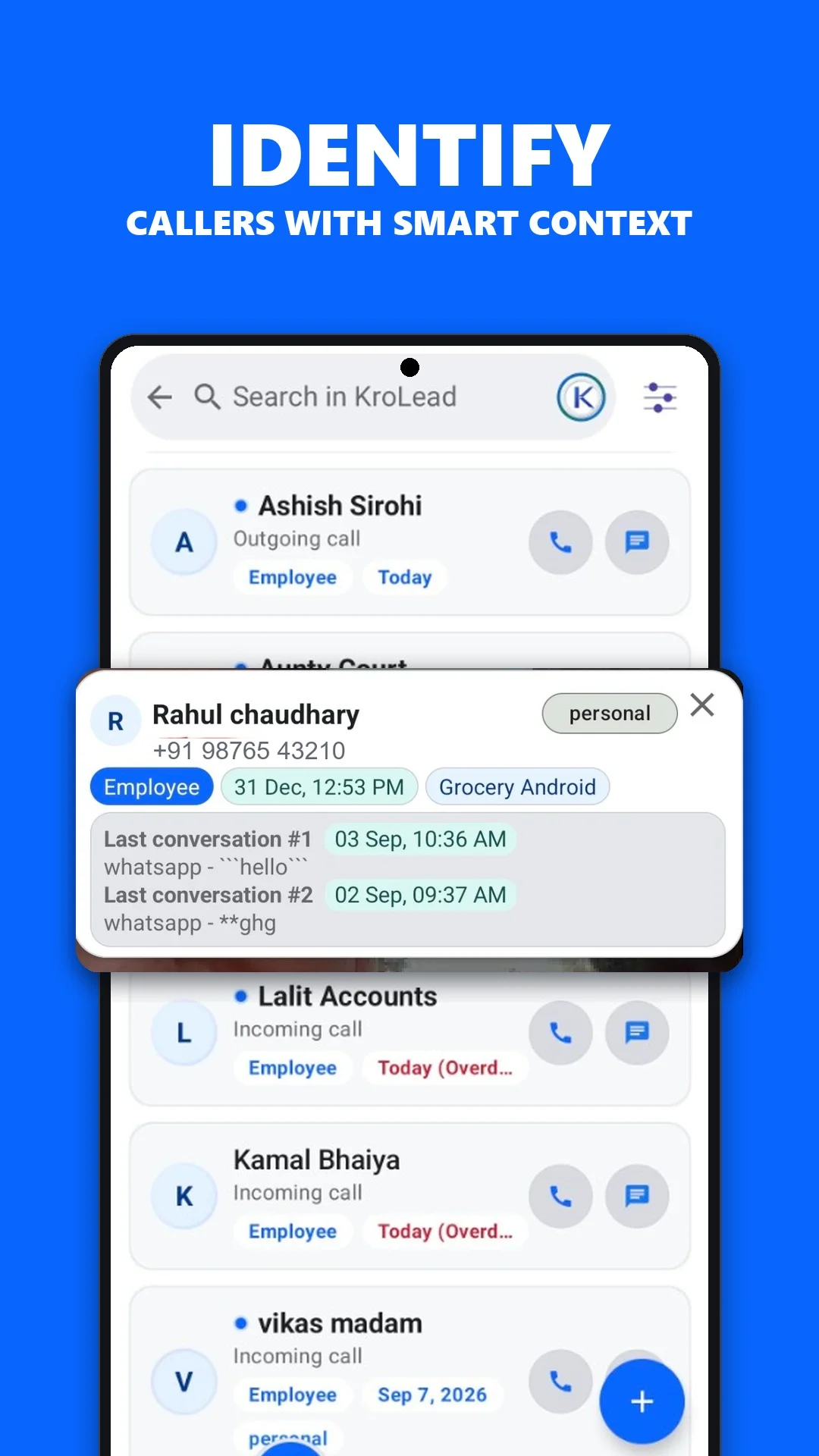
An Android CRM app helps you organize customer relationships from your phone. Instead of searching across a contact list, a spreadsheet and separate notes, you keep the lead record, sales stage and next action together.
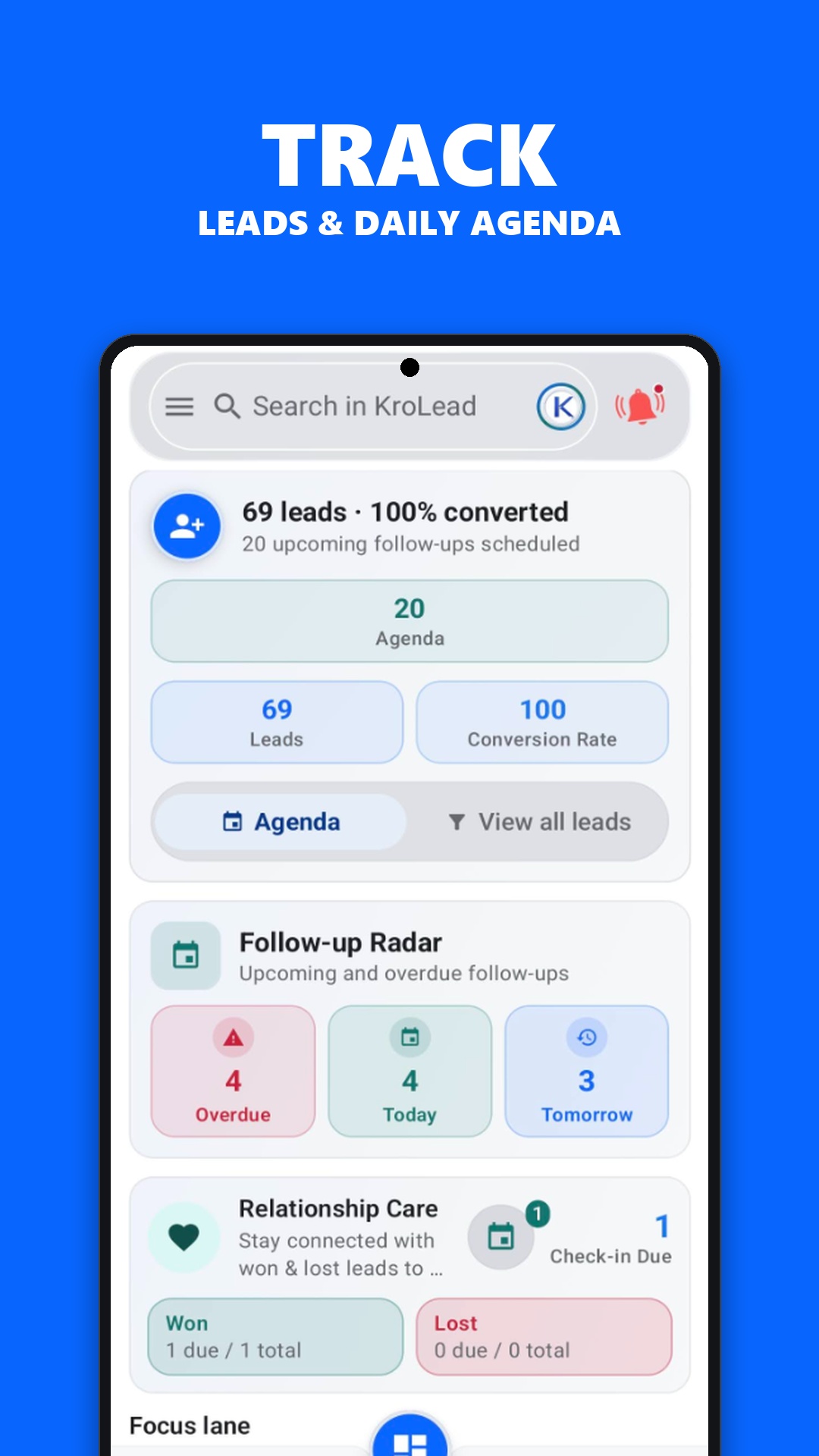
For a small business, the useful question is practical: can you find what happened last time and know what to do next? KroLead focuses on that daily flow, including calls, notes, follow-ups and a sales pipeline.
Build a repeatable lead management routine
- Capture the inquiry. Add the lead and enough context to recognize the opportunity later.
- Set the stage. Use a pipeline stage to show whether the lead is new, contacted or moving towards a decision.
- Write the next action. Keep a short note and schedule a follow-up instead of relying on memory.
- Review your day. Check upcoming work and update records after each conversation.
Optional CallPilot features connect calling with the lead workflow. Enable the relevant Android permissions only when you want to use that capability.
Choose a mobile CRM that fits your business
Start with the work your team repeats most: calling prospects, visiting customers, replying to inquiries or checking a shared pipeline. A useful mobile CRM should make that work easier to follow.
- Check how quickly you can find a lead and its last note.
- Try a follow-up reminder on the device your team actually uses.
- Review owner and employee access during onboarding.
- Understand which actions need internet before working away from the office.
KroLead uses managed organization onboarding. Contact support to confirm the workspace and seat plan for your team. Installing the app and purchasing CRM access are separate steps.
What works offline?
KroLead supports day-to-day work with local lead records, notes, pipeline stages and follow-ups without an internet connection. Sync your workspace before leaving, then reconnect to exchange changes with the cloud.
Cloud AI generation and WhatsApp messaging need connectivity. Calling and SMS depend on carrier service. See the offline CRM guide for a clearer breakdown.
Common questions
Is KroLead available for Android?
Yes. KroLead is available through Google Play. Check the listing on your device for current compatibility and install availability.
Is downloading the app the same as getting a free CRM plan?
No. KroLead publishes paid seat plans and uses managed onboarding. Review current pricing and ask support to confirm access for your organization.