When a spreadsheet is enough
A spreadsheet can suit a small, straightforward lead list, especially when one person owns the process and updates it consistently. It is flexible, familiar and useful for custom calculations or one-off reporting.
You do not need to change tools just because the list is growing. Look at where work is slipping: forgotten callbacks, unclear ownership, missing notes or too much time moving between apps.
Compare the daily work
| Task | Spreadsheet | KroLead CRM |
|---|---|---|
| Lead list | Flexible rows and columns | Lead records with pipeline stages |
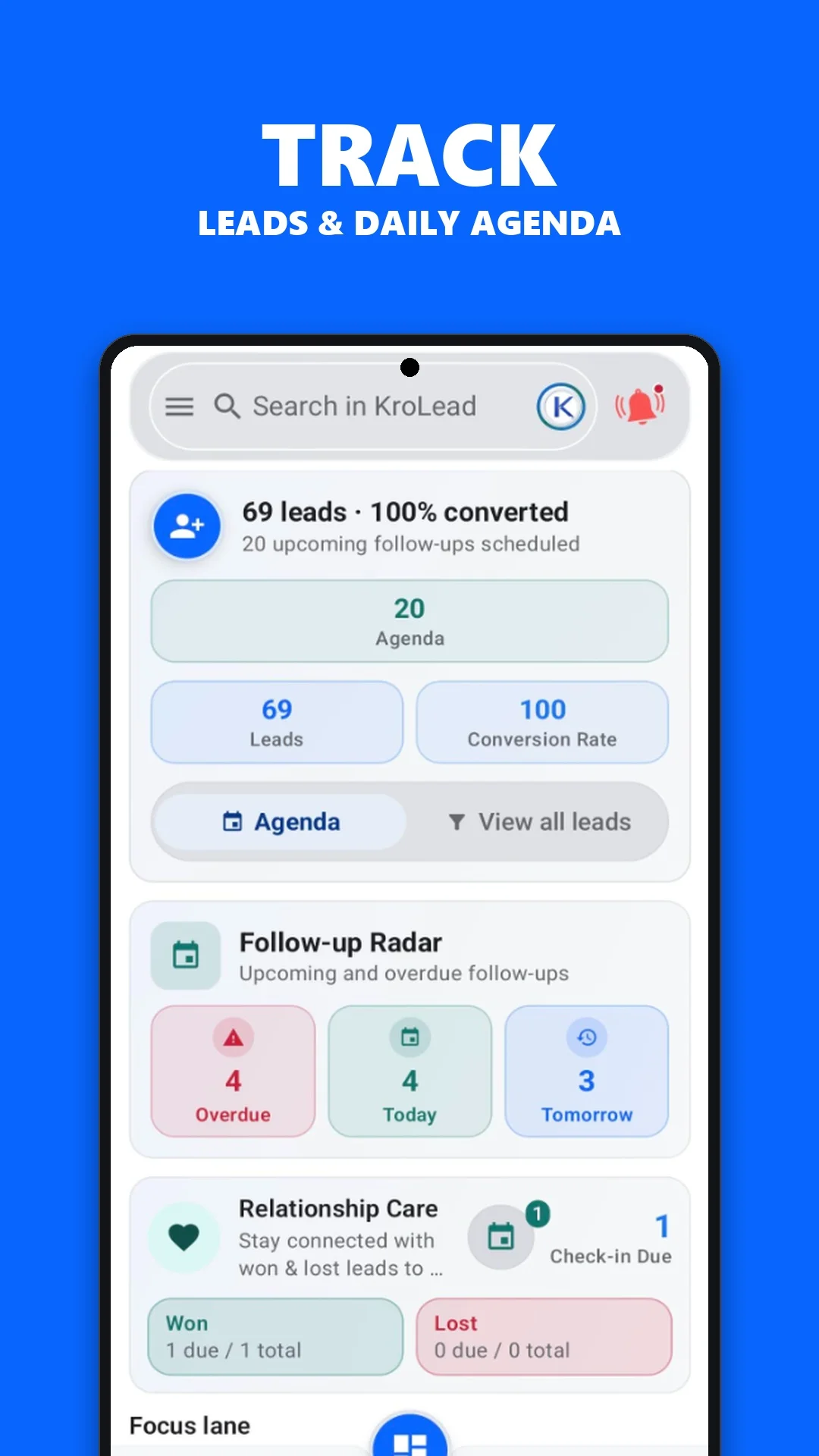
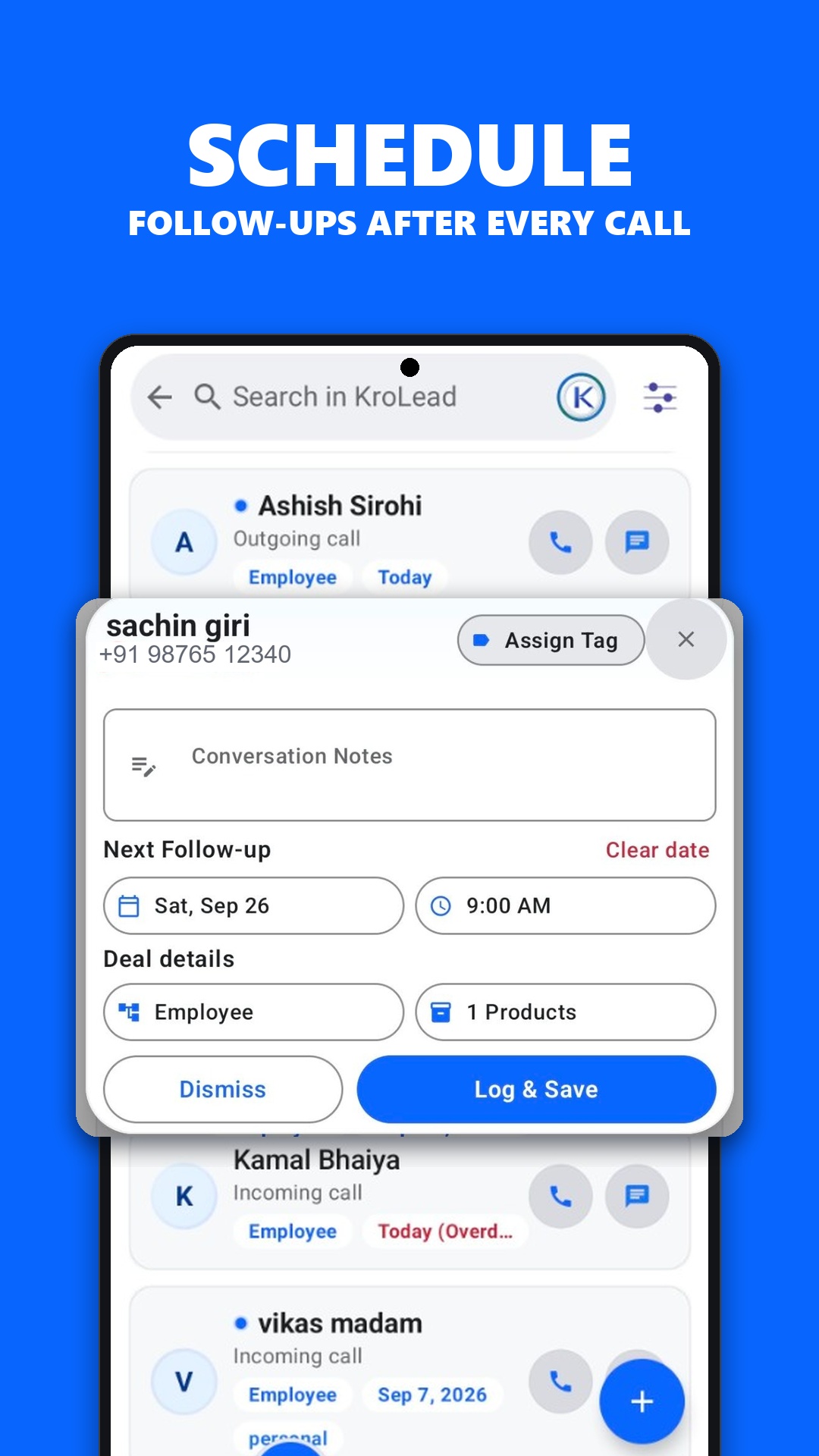
| Next follow-up | Dates in cells; reminders depend on extra setup | Follow-up workflow and reminders |
| Call context | Notes entered and found manually | Saved lead notes and optional CallPilot context |
| Team handoff | Shared sheet conventions and access settings | Owner and employee workflows |
| Custom calculations | Flexible formulas | CRM-focused pipeline and reporting views |
The right choice depends on your process. A CRM is most useful when your team consistently records outcomes and next actions.
Move your leads in manageable steps
- Clean the source sheet. Remove duplicates and check phone numbers, names and lead ownership.
- Agree on pipeline stages. Keep the first version simple enough that the team uses it consistently.
- Check CSV requirements. Review the format supported by KroLead before importing. Preserve your original file.
- Try a small sample. Confirm that imported records look right before moving the full list.
- Assign the next action. Add the follow-ups your team needs for active opportunities.
Evaluate the change with your own workflow
Pick a normal sales day and test the jobs that matter: finding a lead, checking the last conversation, recording a new note and setting a reminder. Ask team members whether the next action is easier to find.
KroLead offers CSV import and export, along with managed onboarding. Ask support about your existing data structure and seat requirements before migration. Keep the source spreadsheet until you have checked the imported records.
Learn more about CRM for small business and the Android CRM app.
Common questions
Can I import existing leads from a spreadsheet?
KroLead supports CSV import and export. Check the required format, preserve the original file and test a small sample before importing the full list.
Should every business replace spreadsheets with a CRM?
No. A spreadsheet can work for a simple process. Consider a CRM when reminders, customer history and team accountability become harder to manage consistently.